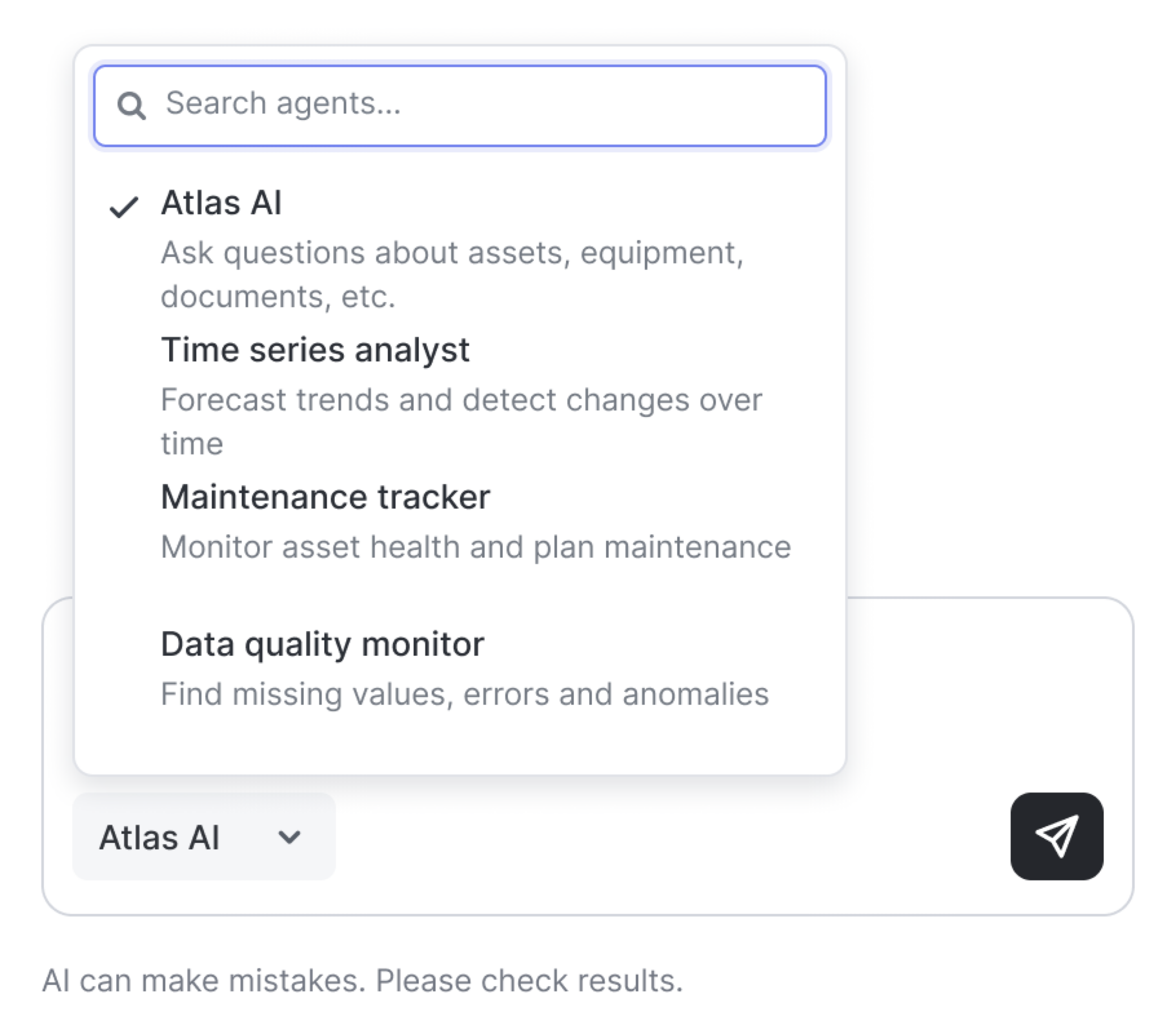
Default and specialist agents
Cognite manages the default Atlas agent, and it’s always available when Atlas AI is enabled for your project. Use it for everyday questions about assets, equipment, sensor readings, work records, and documents. Your organization builds specialist agents for specific workflows that need their own instructions or tools. Both kinds of agents answer questions from your industrial knowledge graph. They only use data you already have access to in CDF.Chat with an agent
Select an agent on the Agent library page to open a chat with it. While you’re in the chat, you can switch to a different agent at any time.