

1
Open OData Feed connection
In Excel, select Data > Get data > From Other Sources > From OData Feed.
2
Enter the OData Feed URL
Enter the URL for the OData Feed you want to connect to. If you are a guest user in the Entra ID directory, you may also have to add the Entra tenant ID as a query variable, for example, 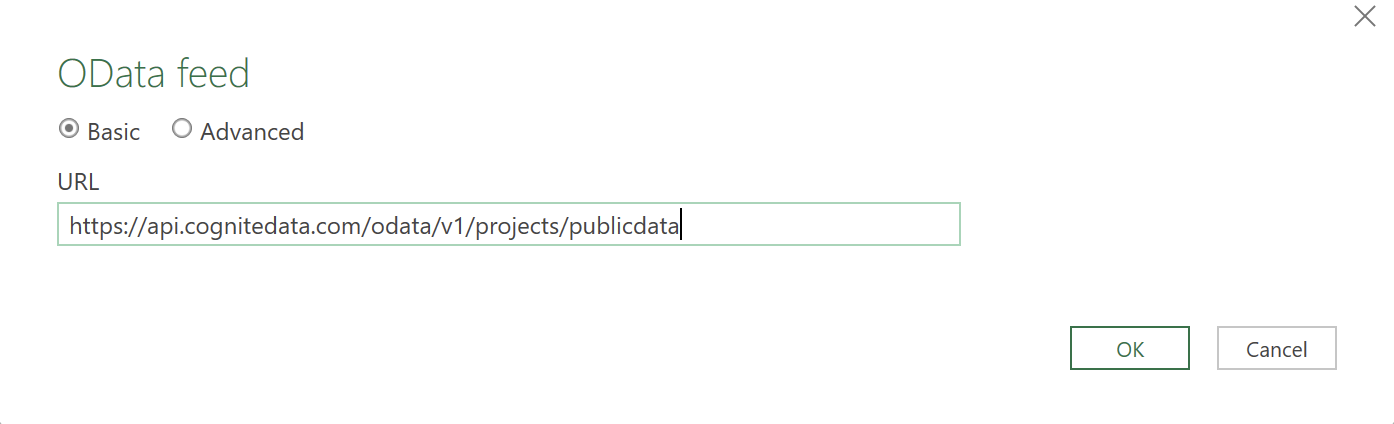
oDataUrl?tenantID=MyEntraIDTenant.onmicrosoft.com.3
Sign in with your organizational account
In the Authentication dialog, select Organizational account and then Sign in with your organizational ID.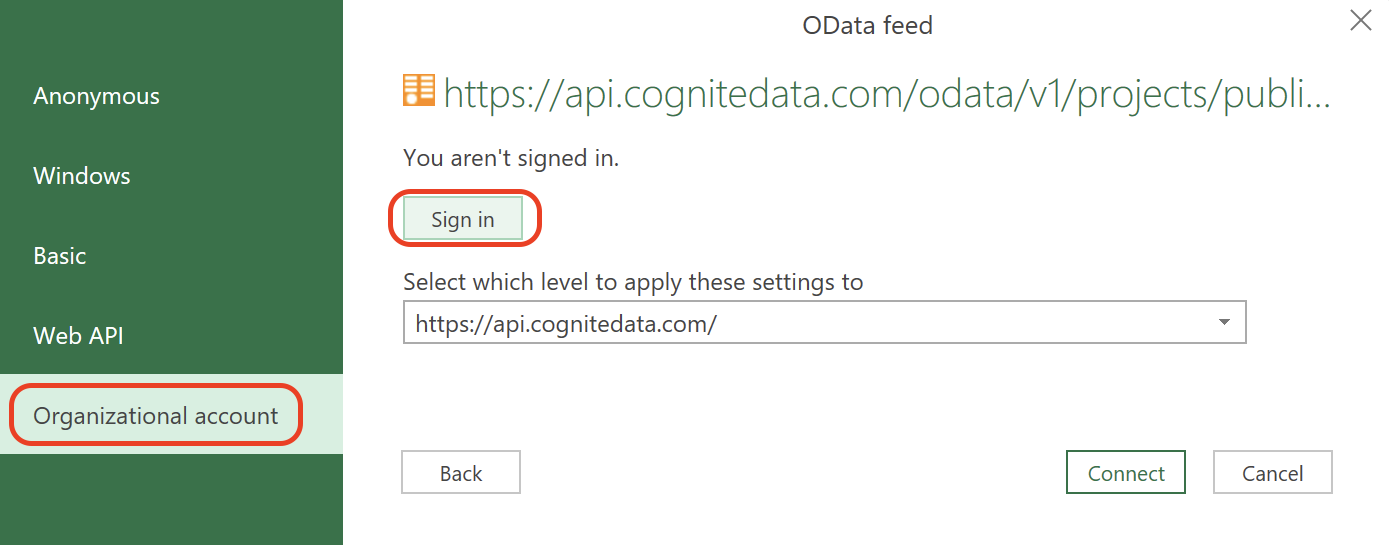
4
Connect to the data source
Select Connect.
5
Select the data to transform
Select a table, for instance, Time series, and then select Transform Data.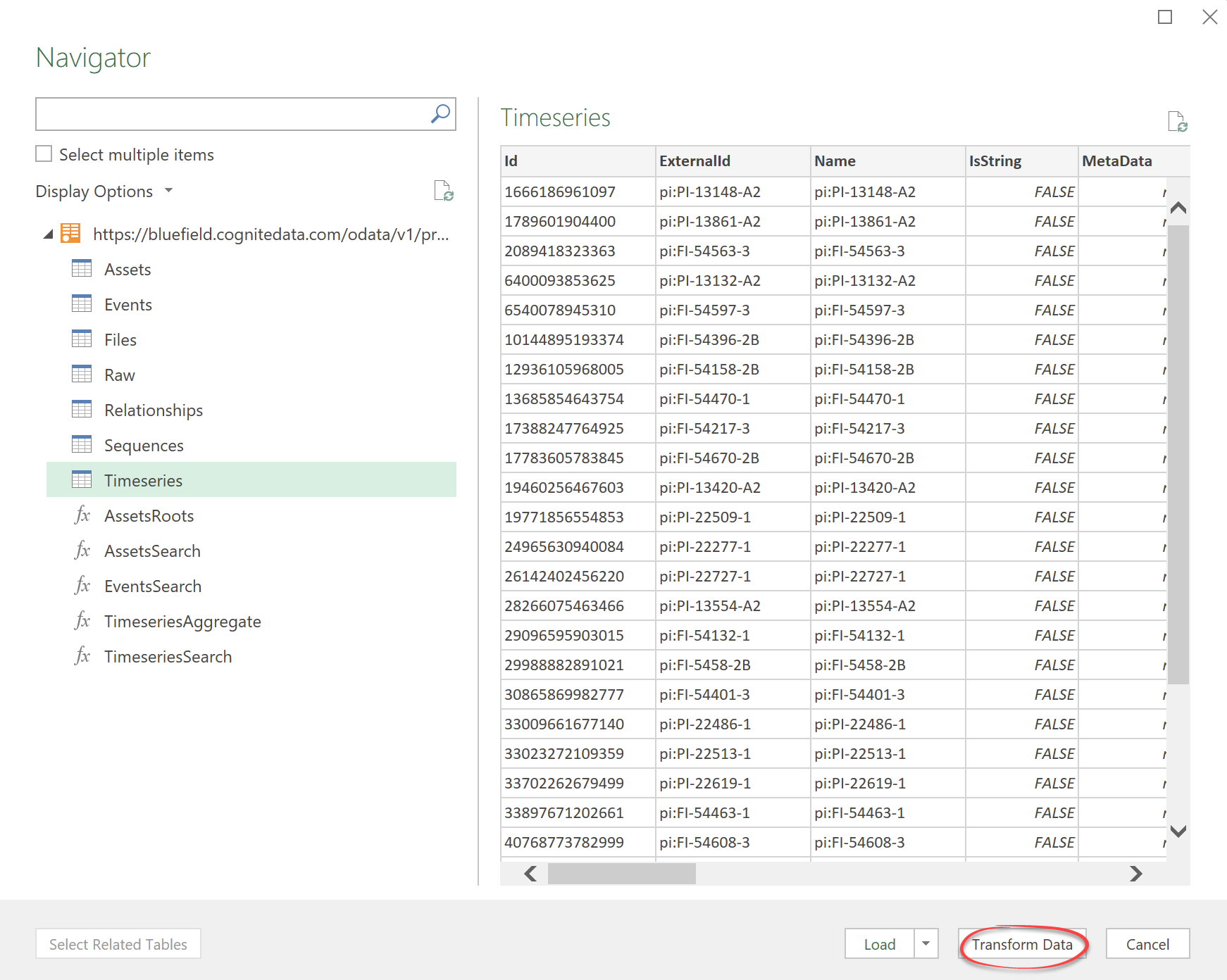
A table can contain hundreds of thousands of entries. Don’t select Load unless you want to load all entries.
6
Transform the data
Transform the data with the Power Query Editor.